


DingKey Designs LLC
ThermoLogger (3-channel Data Logger for K-Type Thermocouple)
ThermoLogger (3-channel Data Logger for K-Type Thermocouple)
Couldn't load pickup availability
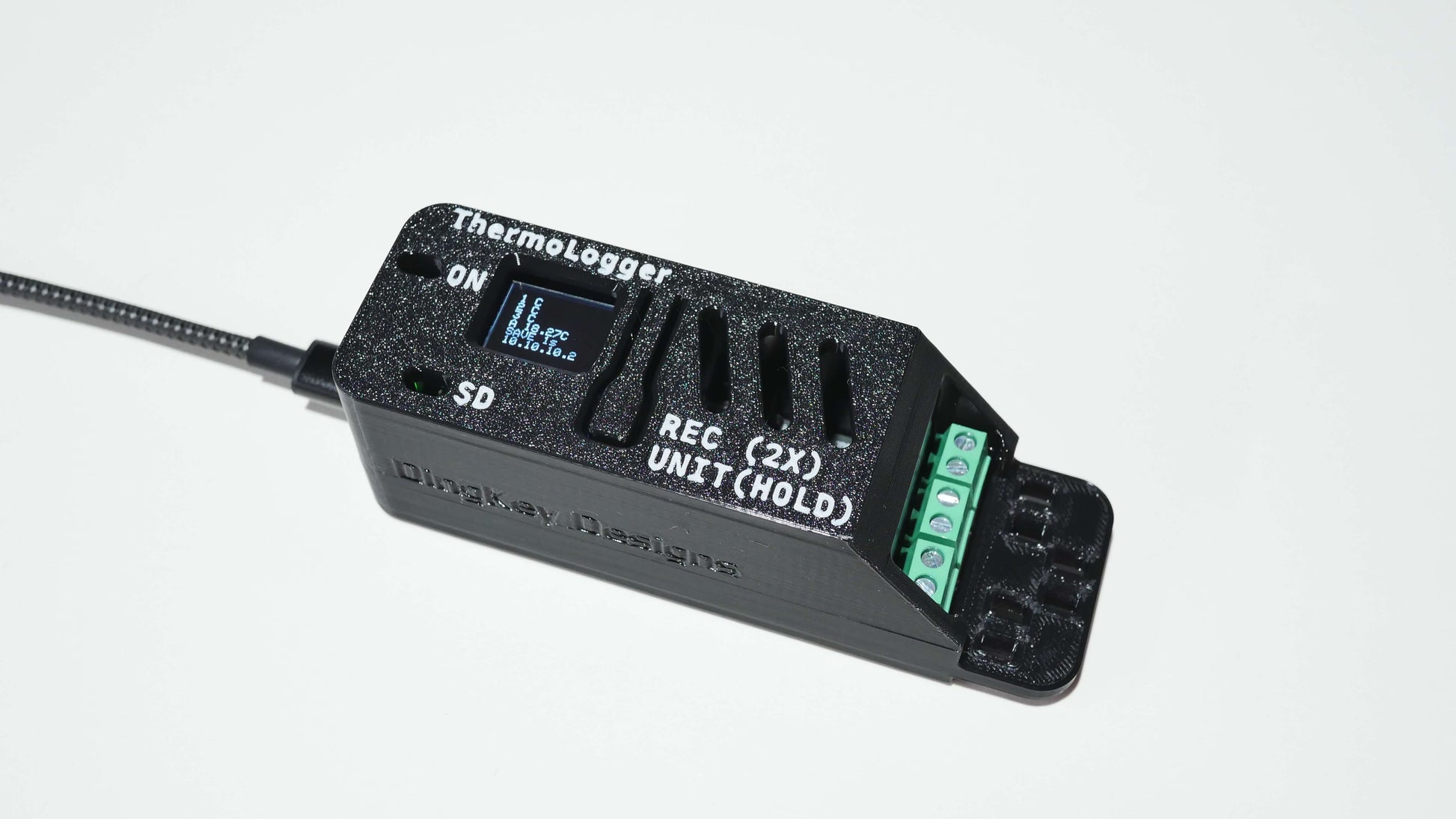
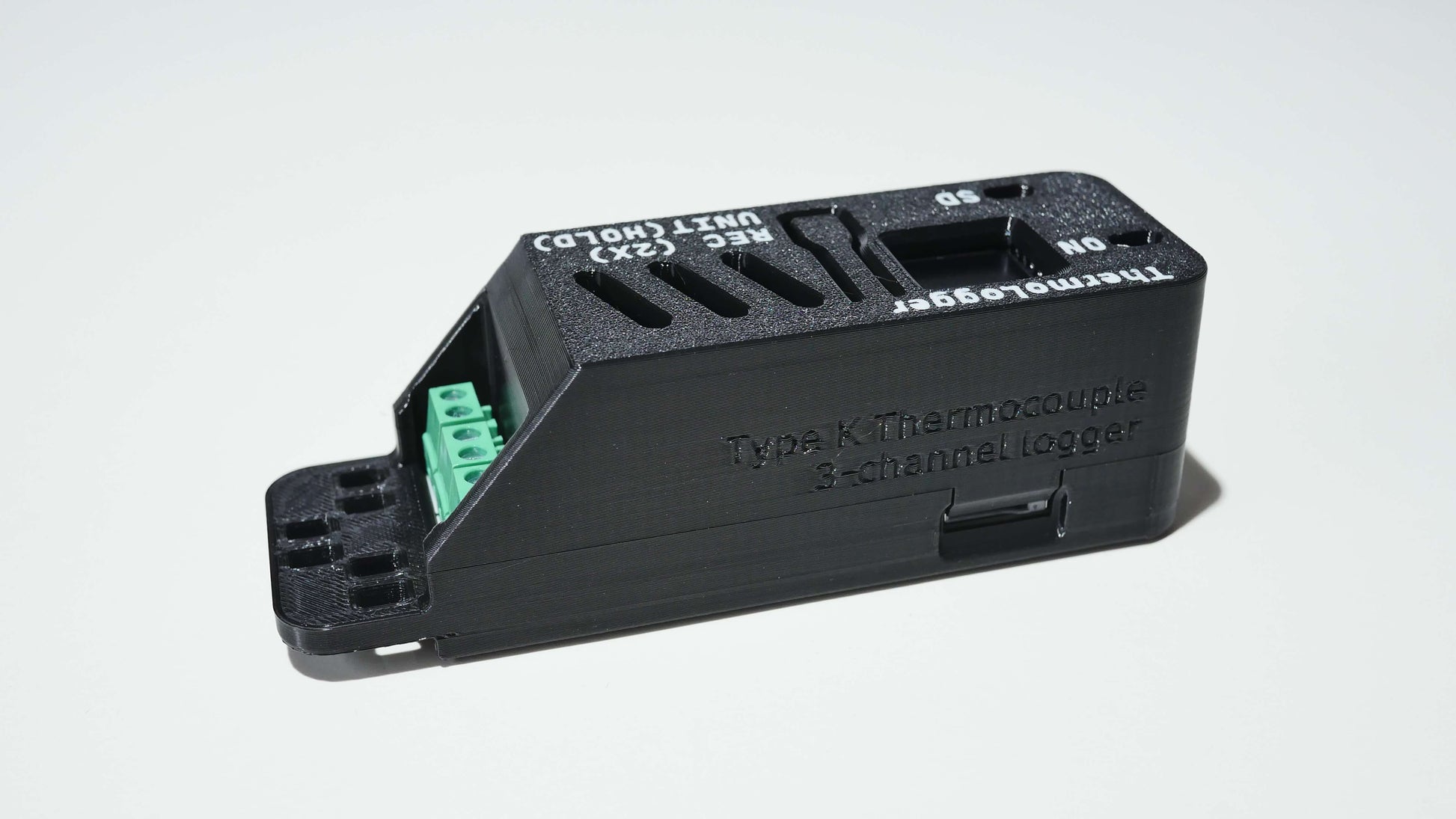
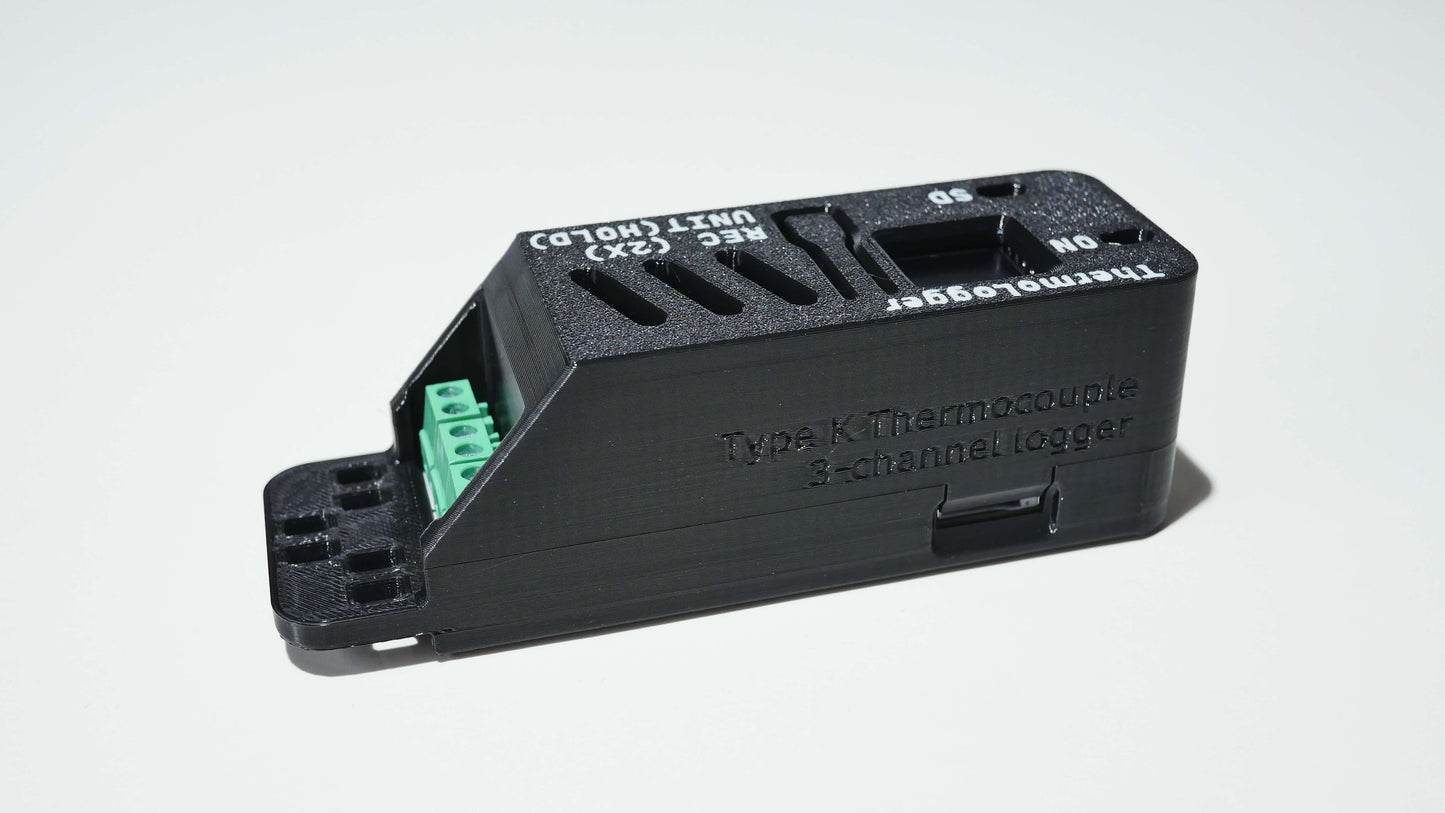
The ThermoLogger delivers precision temperature monitoring and data logging with three Type K thermocouple channels, web interface controls using built-in WiFi connectivity, and comprehensive recording capabilities.
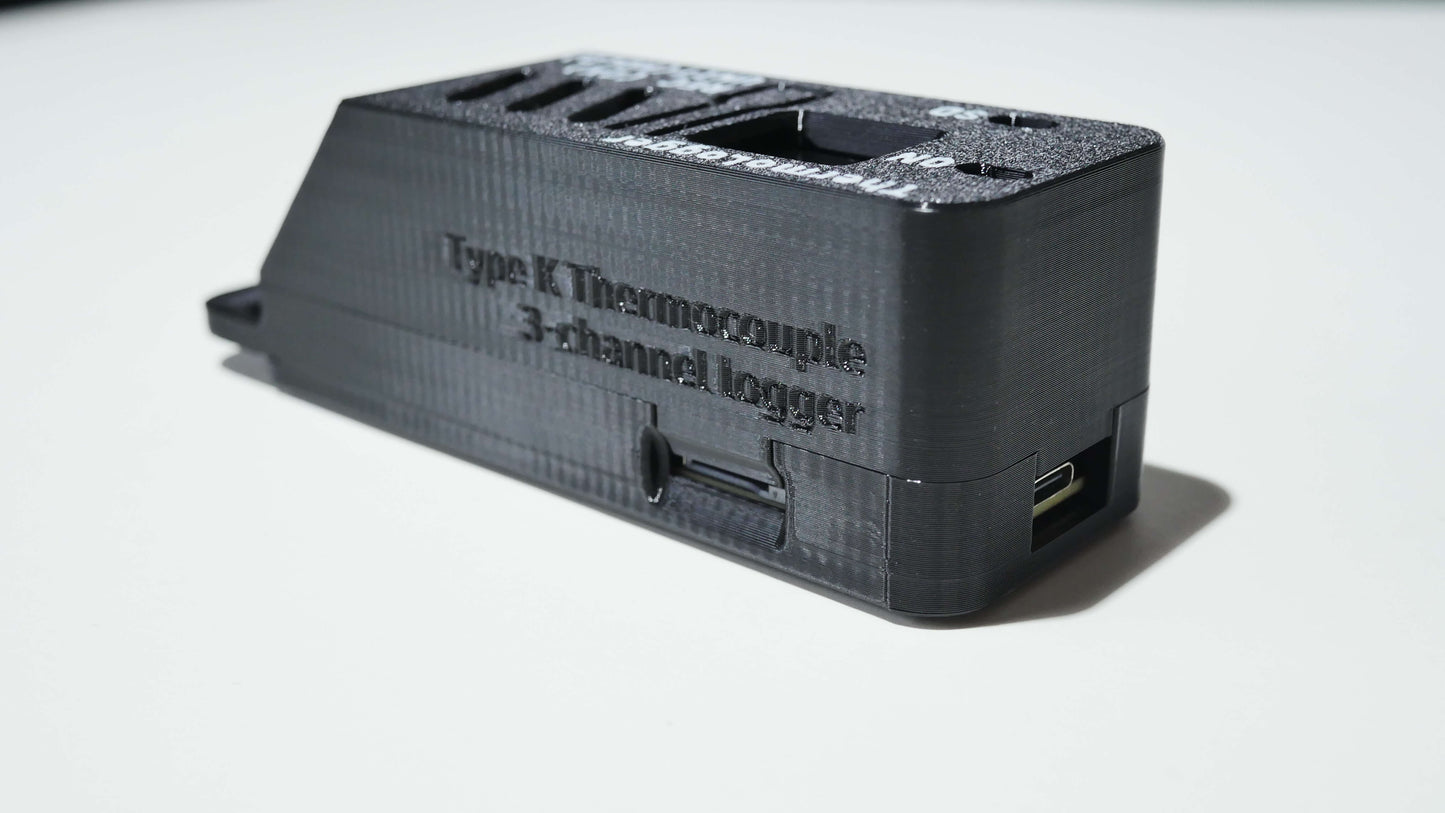
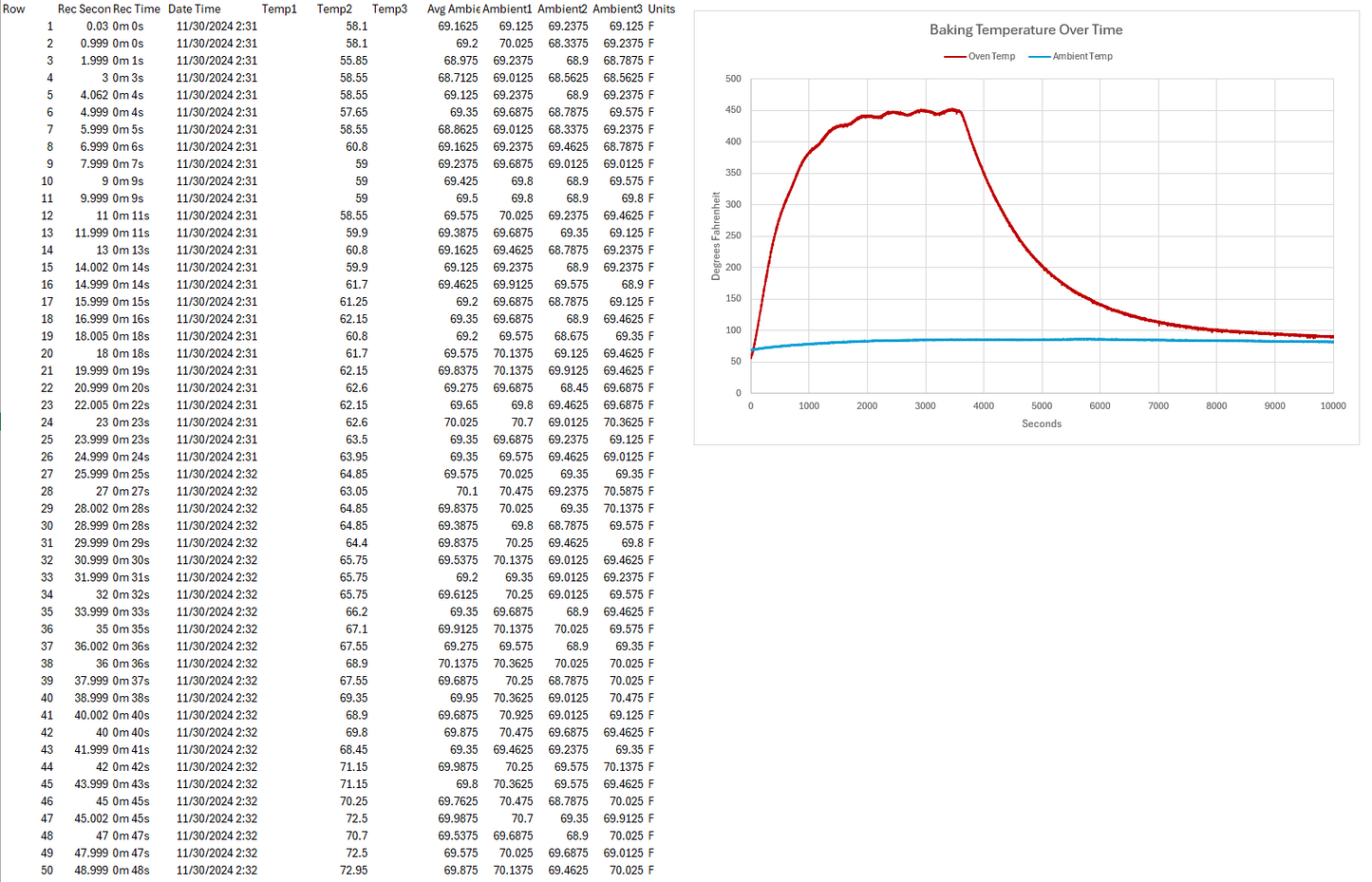
Temperature data is logged to a MicroSD card in an easy-to-import CSV format synchronized with date and time information for short and long term recording intervals.
🌡️ Features:
- 3 Type K thermocouple inputs (MAX31855K interface)
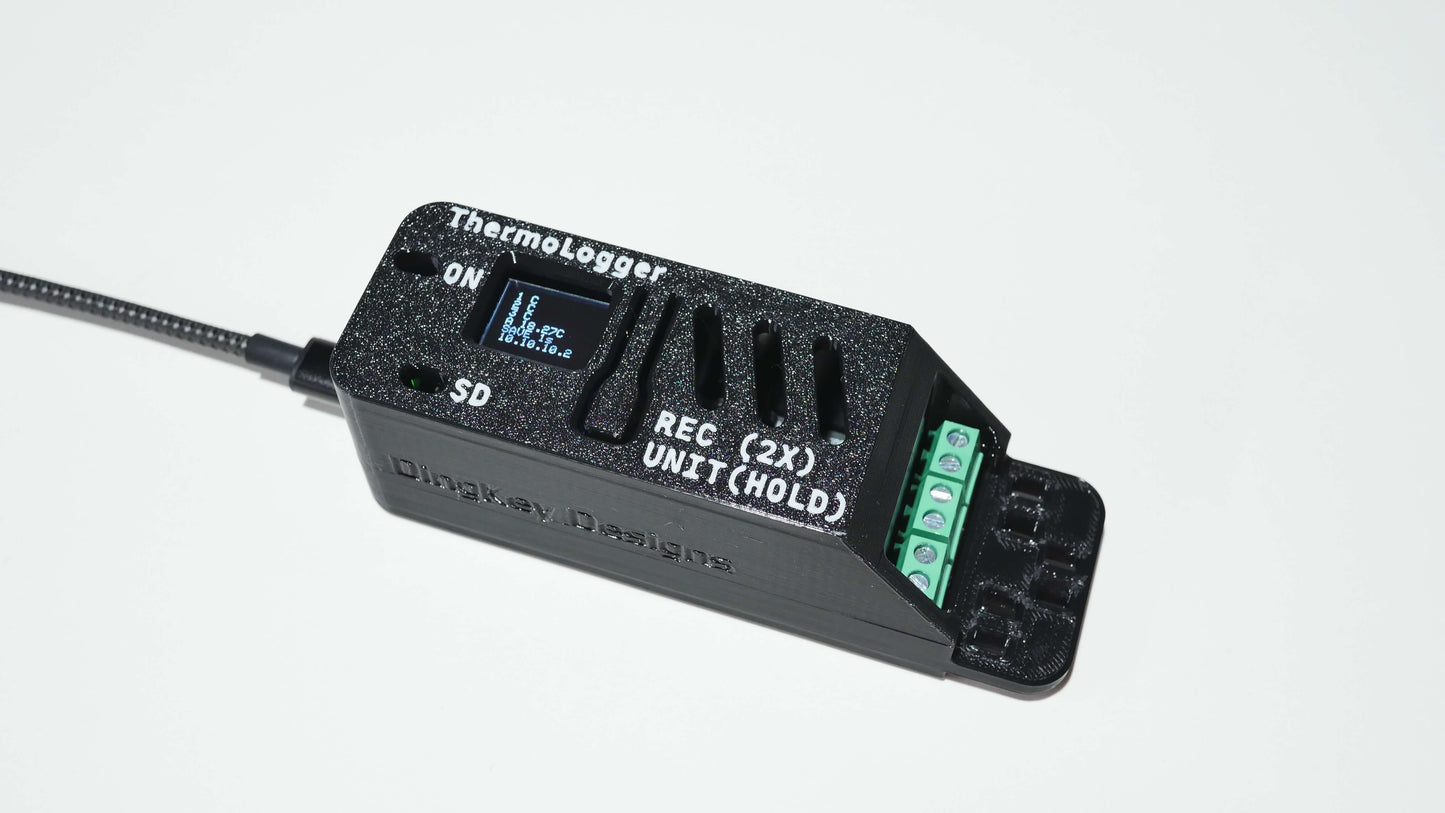
- OLED display with real-time readings
- Built-in WiFi access point for remote monitoring
- Web-based dashboard interface
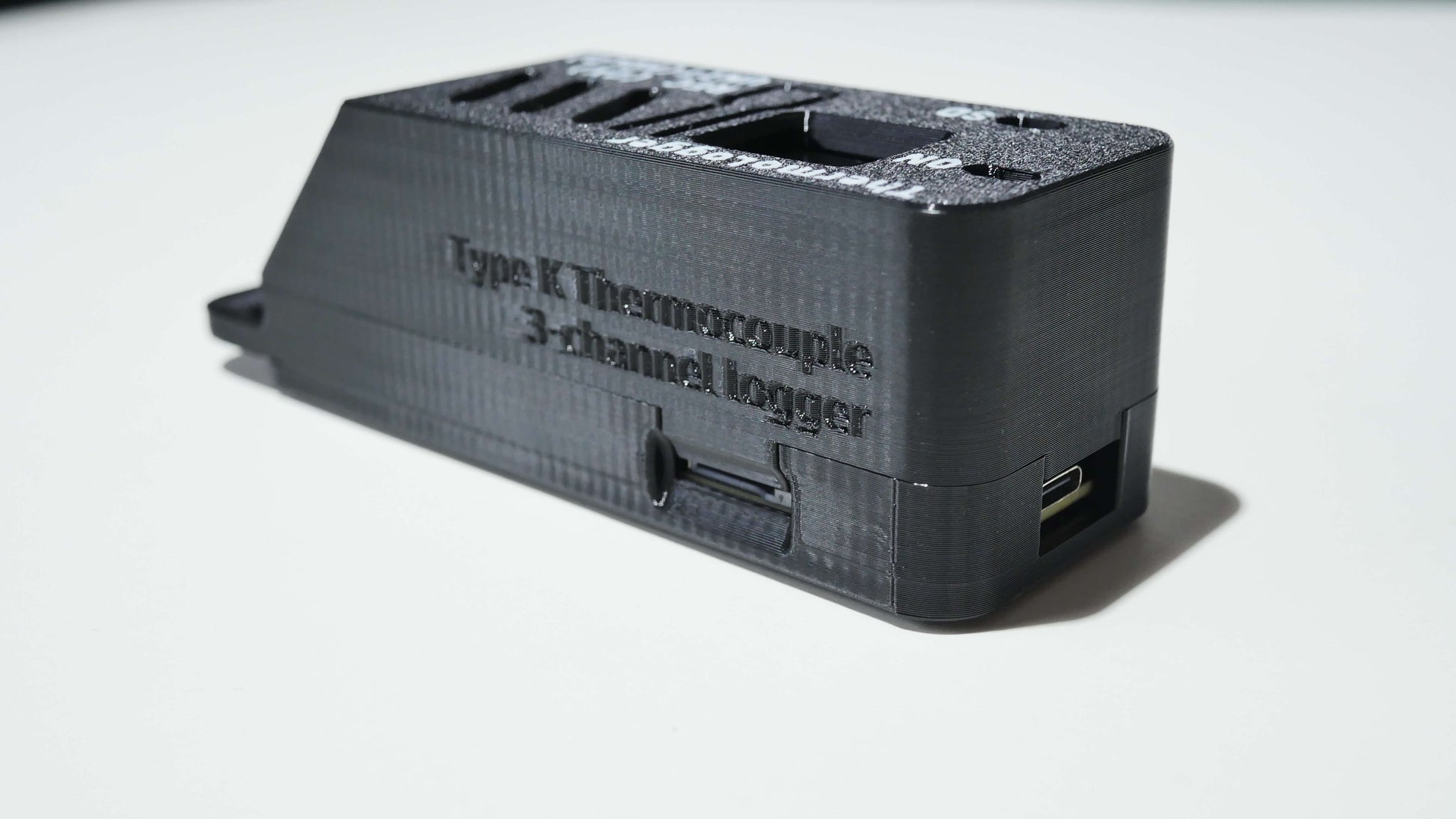
- MicroSD card data logging in CSV format
- Easy CSV log file import into Excel
- DS3231 Real-time clock with CR 2032 battery
- Adjustable sampling interval (1s default, adjustable between 0.1-600 seconds)
- Temperature units: °C, °F, K
- Automatic min/max temperature tracking
- Ambient temperature monitoring
- Single-button control interface
- 5V power supply via USB-C
- Cable tie / zip tie holes for strain relief
💡 Benefits:
- Monitor multiple temperature points simultaneously
- Access readings remotely via any WiFi-enabled device
- Record data for analysis and documentation
- No internet connection required for operation
- Easy setup with no configuration necessary
- Compact design for versatile placement
🔬 Applications:
- Industrial process monitoring
- Controls Logging
- Cooking and food processing
- Scientific experiments
- HVAC system analysis
- Educational projects
- Home brewing
- Electronics testing
- Automotive diagnostics
📦 What's Included:
- ThermoLogger Device
- CR2032 Battery
- 16GB MicroSD Card (optional)
- K-Type Thermocouple (optional)
- TT-K-30-SLE-2M+CZ
- Note: Bundled thermocouple color coding polarity:
- Red wire is T+ for Chromel
- Black wire is T- for Alumel
- Cable tie included for strain relief on device
🔧 What's Needed:
- Small flat head screwdriver for securing screw terminals
- USB-C cable for powering device
Documents:
Share

Limitations Discovered During Real Kiln Use
After extended use alongside a kiln temperature controller, several limitations became apparent that are important for potential buyers to understand.
1. No Ability to Apply a Temperature Offset or Calibration Adjustment
The most significant limitation is that there is no user‑accessible way to apply a temperature offset or calibration correction to the thermocouple readings.
In real kiln and furnace environments:
Different instruments frequently read 20–60°F apart due to cold‑junction compensation differences.
Controllers often allow input calibration; the DingKey ThermoLogger does not.
Even when the offset is consistent and well understood, the logger always records raw values.
Because of this, users must manually apply offsets during post‑processing in Excel or other software. While workable, this is inconvenient and error‑prone, especially for long‑term logging or comparative analysis.
Suggested improvement:
Add a simple per‑channel temperature offset (+/‑ °F or °C) in the web interface.
2. Thermocouple Dropouts Logged as Blank Data Without Explanation
During a kiln firing, one thermocouple channel intermittently logged blank values while other channels continued recording normally.
This behavior appears to be related to internal thermocouple fault detection (open circuit / short detection), but:
The CSV file provides no indication why a value is missing
Fault states are not logged
Dropouts can look like random data loss to users unfamiliar with the internal hardware
For kiln or furnace users, this can be confusing and raises concerns about data integrity.
Suggested improvements:
Log fault codes alongside temperature data
Or record a clear error value/status column instead of leaving cells blank
Mention expected fault behavior clearly in the documentation
3. Device Controls Can Accidentally Stop Logging During Operation
While navigating the device menus during a firing, logging stopped and had to be restarted. Later review of the data showed that the log had split into multiple recording sessions.
This appears to be related to the single‑button control scheme, where certain presses toggle logging on/off.
In a process environment, especially during long fires:
It is easy to accidentally stop logging
There is minimal on‑device feedback indicating logging has stopped
This can result in missing critical portions of a run
Suggested improvements:
Optional “lock logging” mode once recording starts
Clearer on‑screen indication that logging is active
Optional disable of button controls during logging
Documentation & Expectations
Many of these limitations would be easier to accept if they were clearly explained up front.
The product works well as a raw data logger, but it is less suitable for:
Comparative calibration against kiln controllers
Environments where offset adjustment is required
Users expecting controller‑style calibration features
Clear documentation around:
Lack of offset capability
How thermocouple faults are handled
Best mounting practices for cold‑junction accuracy
…would set much better expectations and reduce user frustration.